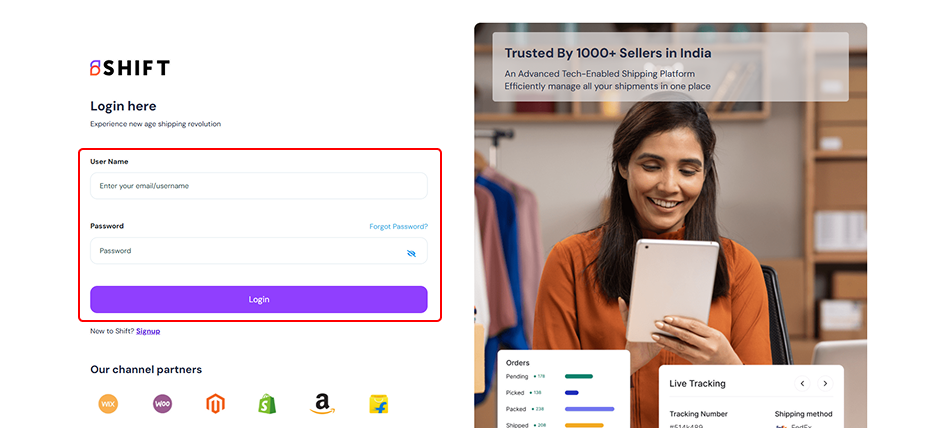
1. Sign in to Shift
- Visit carrier.shift.in
- Sign In using your registered email and password → Click Login
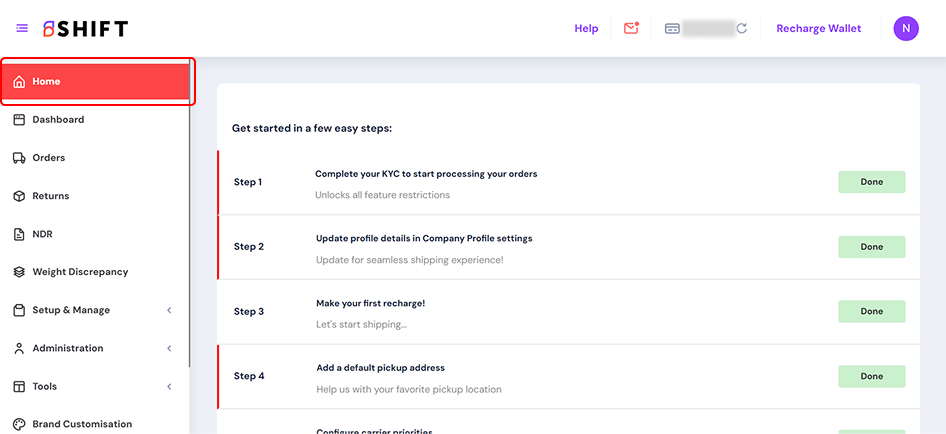
Once logged in, you will be directed to your Shift Home page.
2. Go to the Settings tab
- You can access the Settings from the left menu.
- Click on Label Preferences under Label, Invoice & POD section
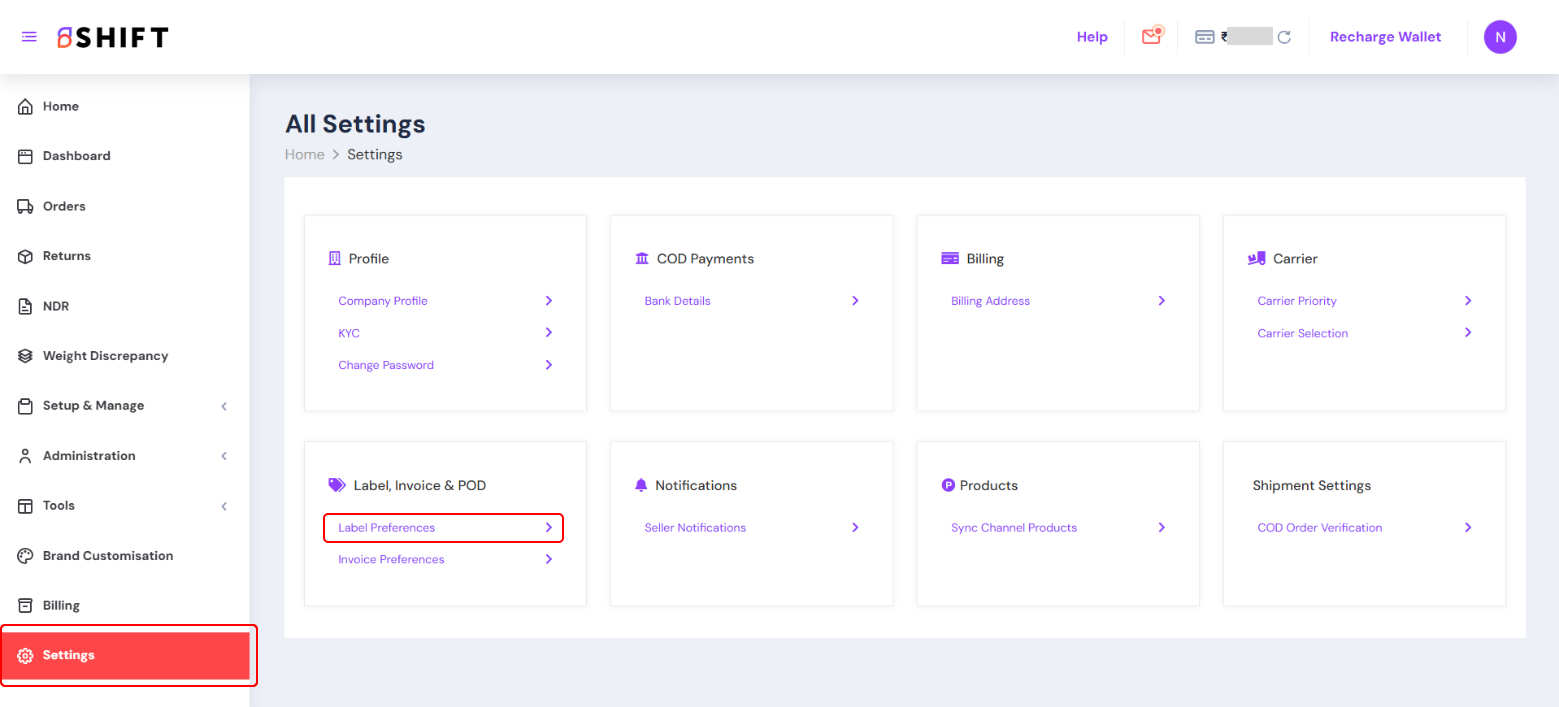
Label, Invoice & POD
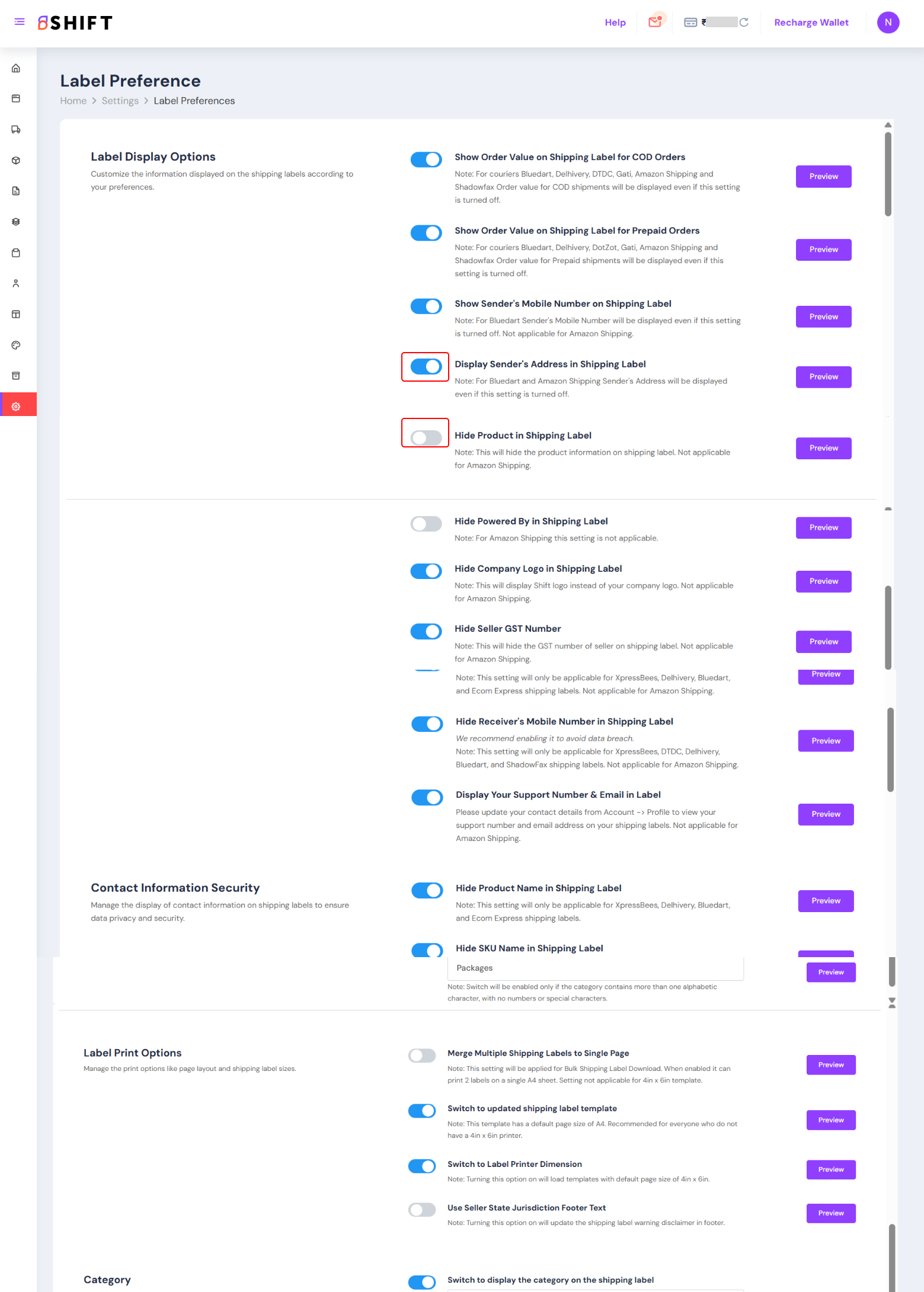
- Label Preferences – Configure how your shipping labels appear (branding, size, format).
- Toggle options you need on/off.